Cut Your CI/CD Costs by 90%: Self-Hosted Runners for GitHub Actions & GitLab CI
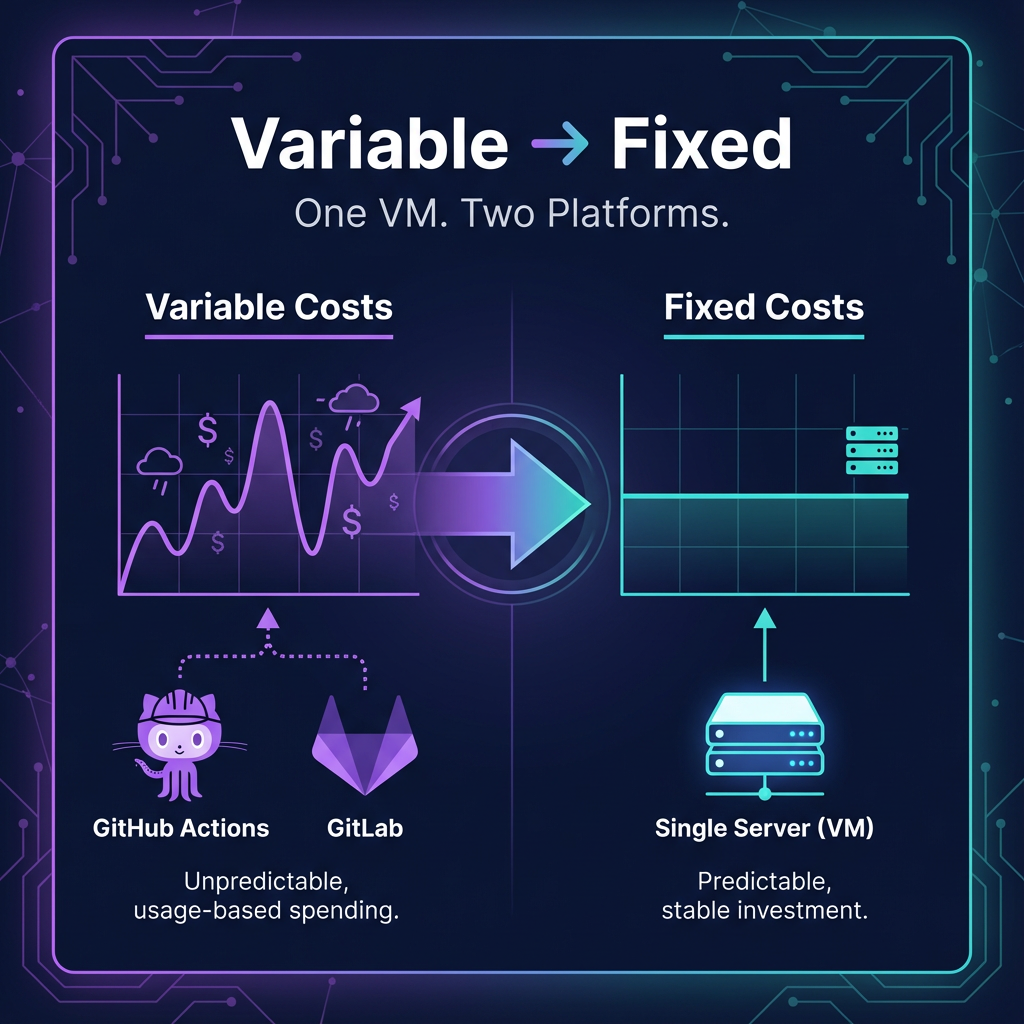
As a startup, every dollar counts. When we looked at our monthly CI/CD bill, we realized we were spending more on build minutes than on some of our actual infrastructure. With GitHub announcing charges for self-hosted runner access starting January 2026, we decided it was time to take control.
The result? A single VM that runs both GitHub Actions and GitLab CI, transforming unpredictable per-minute charges into a fixed monthly cost. For teams with heavy CI usage, that’s a 70-90% reduction. Today, we’re open-sourcing our setup script so other startups can do the same.
The Problem: Variable Costs That Spike When You Least Expect It
GitHub hosted runners charge per minute used—which sounds fair until you’re in a development sprint and your CI bill doubles. With GitHub announcing pricing changes for private repos in January 2026, we decided to do the math:
| Scenario | GitHub Hosted | Self-Hosted VM |
|---|---|---|
| Light usage (30 builds/day × 5 min) | ~$36/month | ~$35/month |
| Moderate (50 builds/day × 10 min) | ~$120/month | ~$35/month |
| Heavy sprint (100 builds/day × 10 min) | ~$240/month | ~$35/month |
The break-even point is around 60-100 build hours per month. Above that, self-hosted wins decisively.
But cost isn’t the only factor. Self-hosted gives you:
- Predictable fixed costs instead of variable per-minute billing
- Parallelism — run multiple runners on the same VM for concurrent jobs
- Dual platform support — serve both GitHub Actions AND GitLab CI from one machine
- No queue times during peak hours
The Solution: One VM, Two CI Platforms
We created a setup script that transforms a fresh Ubuntu 24.04 VM into a fully-configured CI runner for both platforms. But we didn’t stop at just installing the runners—we built in all the maintenance and hygiene features we learned the hard way:
What’s Included
CI Runners:
- GitHub Actions Runner (self-hosted)
- GitLab Runner
- GitHub CLI (
gh) and GitLab CLI (glab)
For E2E Testing:
- All Playwright browser dependencies
- International fonts for consistent screenshot rendering
- Xvfb for headless browser testing
System Hygiene (the stuff people forget):
- Automated Docker cleanup (images, volumes, build cache)
- Systemd journal log limits
- Swap file configuration
- Unattended security updates
- Disk space alerting
- Temp file cleanup
The Script
Here’s a quick look at the configuration options:
# GitHub Actions Runner version
ACTIONS_RUNNER_VERSION="2.321.0"

# Swap file size
SWAP_SIZE="4G"

# Cleanup schedule (cron format)
CLEANUP_SCHEDULE="0 3 * * *"  # Daily at 3 AM

# Disk space alert threshold
DISK_ALERT_THRESHOLD=80

# Docker image retention (hours)
DOCKER_IMAGE_RETENTION_HOURS=168  # 7 days

# Install Playwright dependencies?
INSTALL_PLAYWRIGHT_DEPS=true
Usage
Option 1: One-liner install
curl -fsSL https://raw.githubusercontent.com/luminarylane/ci-runner-setup/main/setup-ci-runner.sh | sudo bashOption 2: Download, customize, run
wget https://raw.githubusercontent.com/luminarylane/ci-runner-setup/main/setup-ci-runner.sh
# Edit the CONFIGURATION section
chmod +x setup-ci-runner.sh
sudo ./setup-ci-runner.sh
After running, you just need to register the runners:
# GitHub Actions
cd /opt/actions-runner
./config.sh --url https://github.com/YOUR_ORG --token YOUR_TOKEN
sudo ./svc.sh install && sudo ./svc.sh start

# GitLab
sudo gitlab-runner register
Lessons Learned
Here are some things we discovered while running self-hosted CI for months:
1. Docker Will Eat Your Disk
Without cleanup, Docker images and build cache accumulate fast. Our script runs a daily cleanup that removes:
- Stopped containers (>24h old)
- Unused images (>7 days old)
- Dangling volumes and networks
- Build cache
2. Swap Prevents OOM Kills
Even with 32GB RAM, some builds (looking at you, TypeScript type checking) can spike memory usage. A 4GB swap file with low swappiness (10) acts as a safety net without impacting performance.
3. Security Updates Matter
Internet-facing CI runners are targets. Unattended-upgrades keeps security patches applied automatically—just without auto-reboot so your builds don’t get interrupted.
4. Fonts Affect Screenshot Tests
We spent hours debugging “flaky” Playwright tests that were actually rendering differently due to missing fonts. The script installs a comprehensive font set for consistent rendering across different content.
When Self-Hosted Makes Sense
Self-hosted runners aren’t for everyone. Here’s a quick decision framework:
Go self-hosted if:
- You’re above the break-even point (~60-100 build hours/month)
- You want predictable monthly costs instead of variable billing
- You need specific software pre-installed (Playwright deps, specific Node versions)
- You want no queue times and more parallelism
- You’re using multiple CI platforms (GitHub + GitLab)
Stick with hosted if:
- You have light or sporadic build activity (below break-even)
- You don’t want to manage infrastructure
- You need macOS or Windows runners (VMs for those are pricier)
- You value zero maintenance over cost savings
Give First
At Luminary Lane, we believe in giving back to the community that’s helped us build our product. This script is MIT licensed—use it, modify it, share it. If it saves you money, consider passing the knowledge along to another startup.
The full script is available at: GitHub Gist
Have questions or improvements? We’d love to hear from you. Reach out at engineering@luminarylane.app or open an issue on the gist.
Happy shipping!